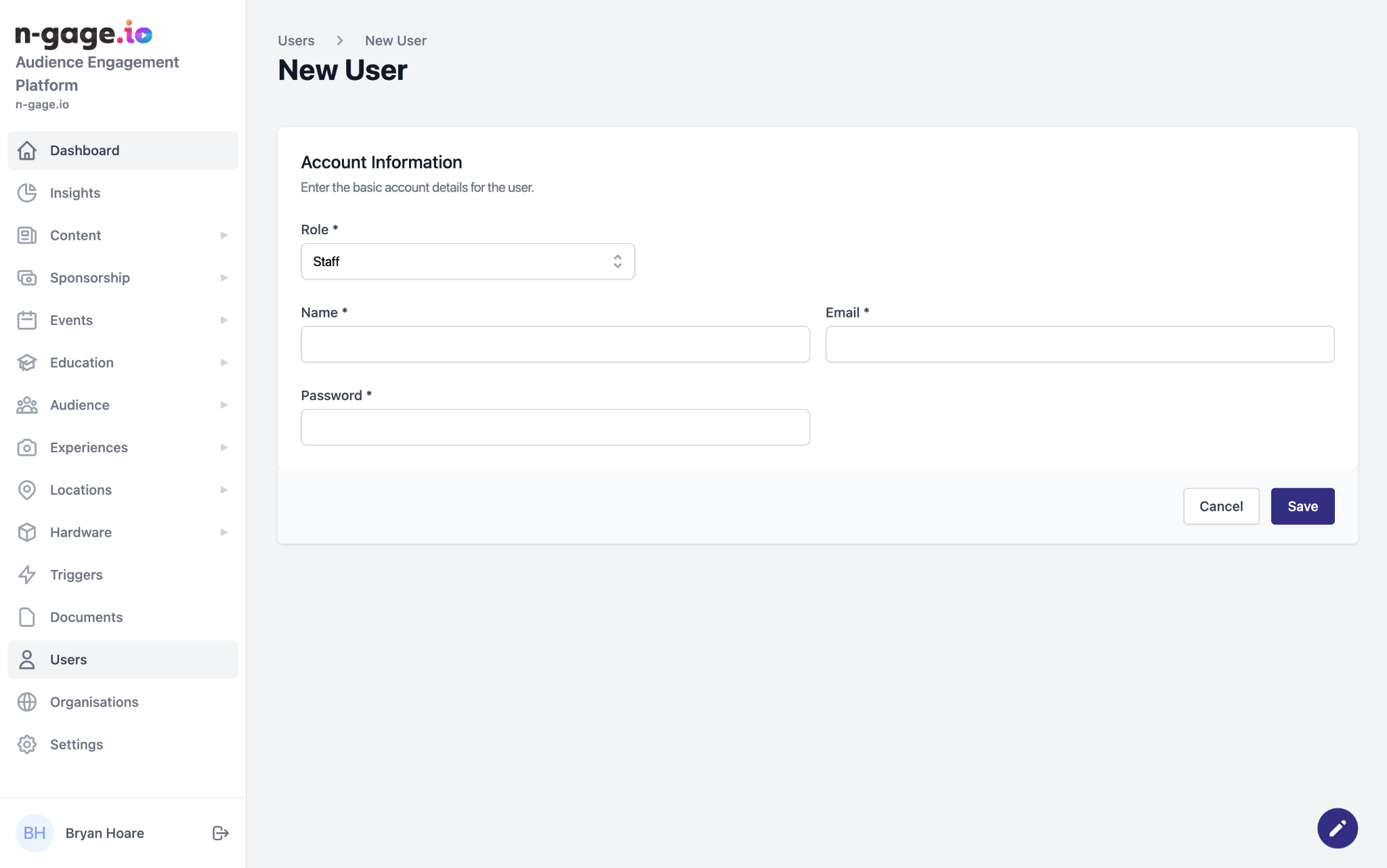
Administrators can add new users with name, email, and role (Admin or Staff). Admins have full control; Staff have limited access mainly for content management.
- Prior to a new user having access to the operator platform they must first be registered as a user by an existing administrator.
- When creating a new user, administrators must enter the required details to include role, email address and name.
Once a new user is created, they may use the applied details to access the operator app.
There are currently two types of user roles; Staff and Administrator. Administrators have access to all operator platform web app functionality and are able to manage staff members. Staff have restricted admin access to the operator app but are able to edit and manage content as set by
an administrator.