Gamify visits by creating achievements linked to trails or quizzes. Add points, hints, images, and unlock criteria.
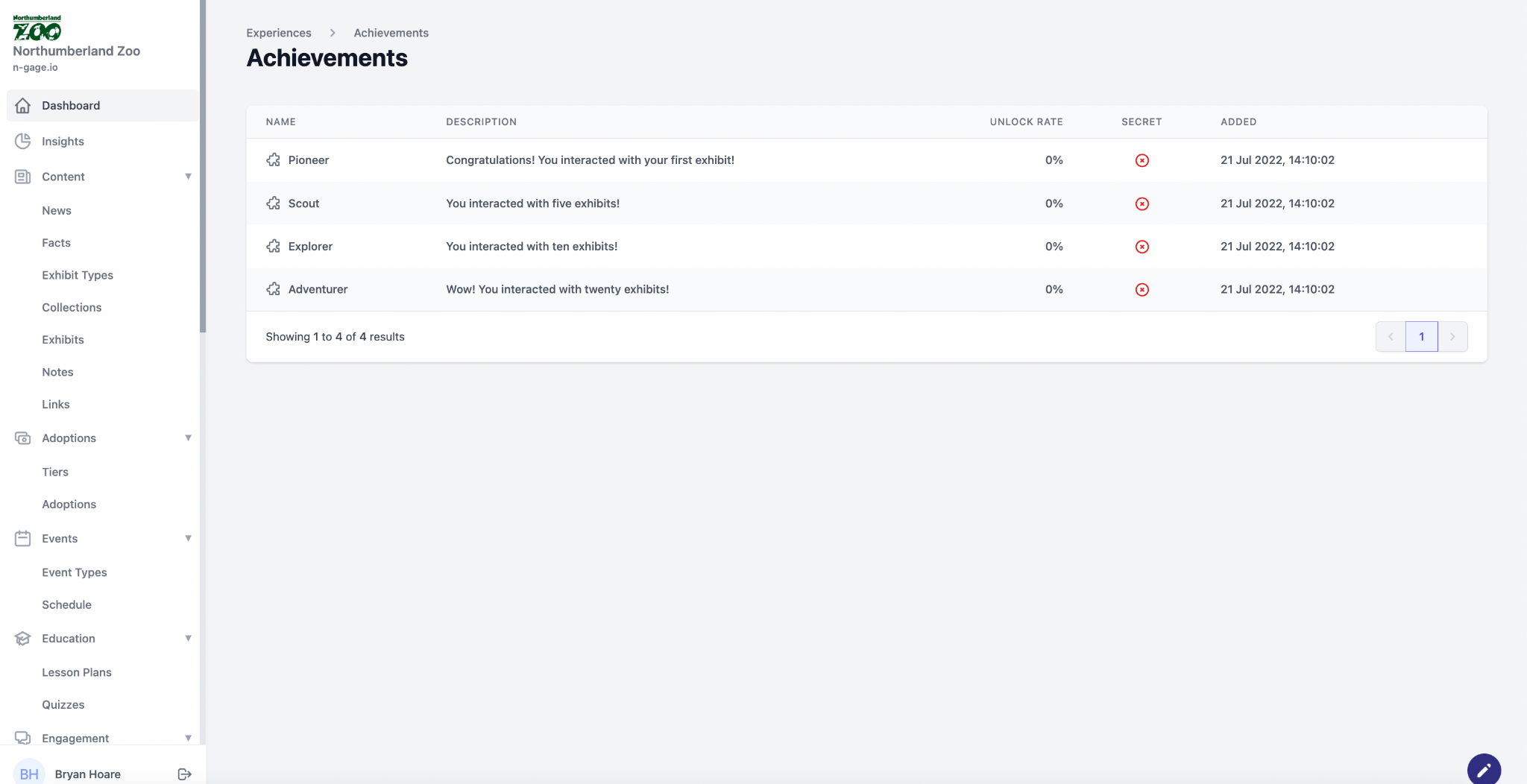
- Achievements add an element of gamification to the app and allow the ability to set criteria for how an audience member can be recognised following the achievement of a set of tasks or challenges. In the first instance, achievements can be set against both quizzes and trails to add an additional fun and educational element to these core features.
- Creating an achievement will display a new achievements section in the app both on the Overview screen and in the More menu.
- Initially achievements are point based with other to follow such as unlocking badges, discounts and hidden content.
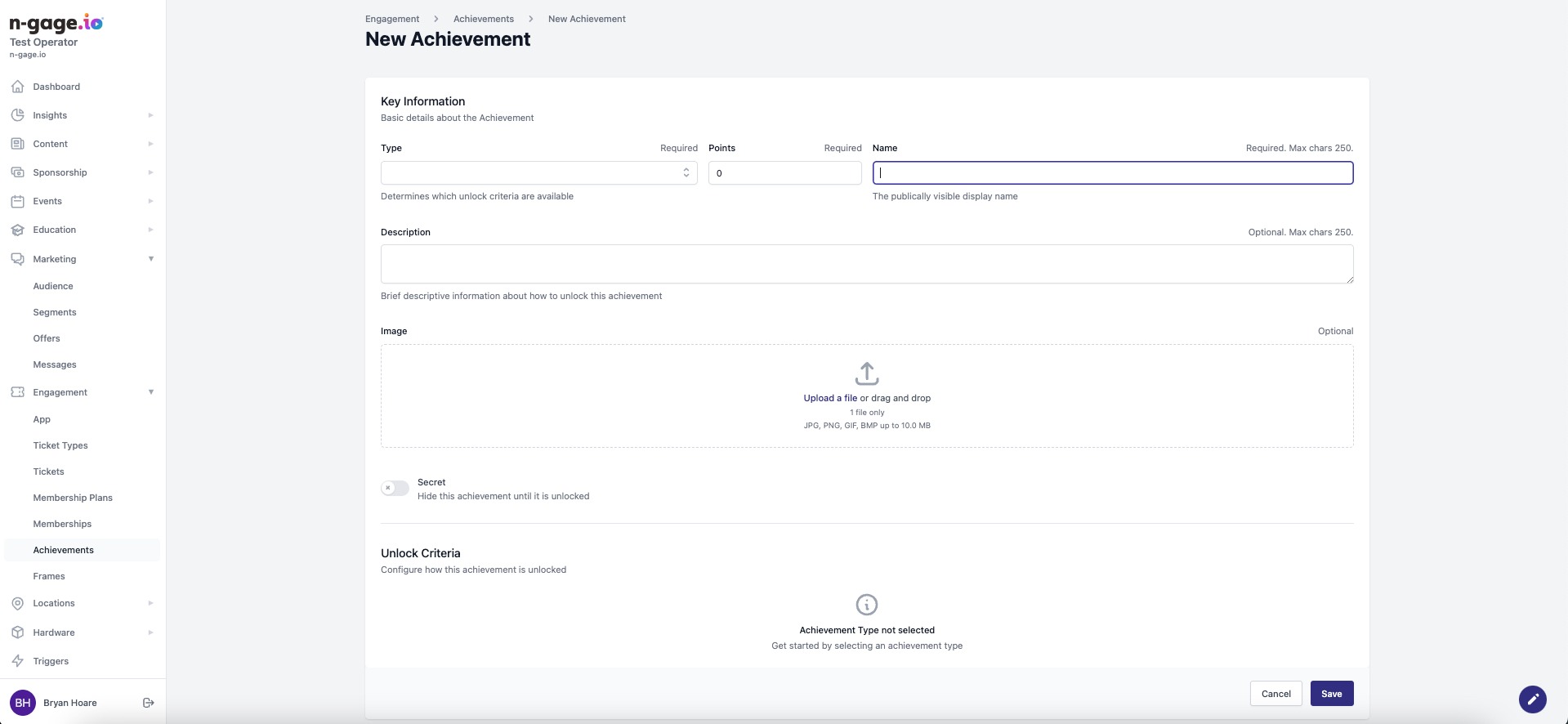
- Firstly select the achievement type (trail or quiz). Decide how many points the achievement should be associated with a give the achievement a display name in-app.
- Add a brief description of the achievement and give a hint of how this could be unlocked.
- Choose an image to represent the achievement that will be shown in-app.
- Decide if the achievement should be secret or not (secret achievements give the app user no clue of how to unlock)
- Add the unlock criteria based on the achievement type.