View all app users and imported ticketing data. Track visits, memberships, and spend. Manually add new audience members when needed.
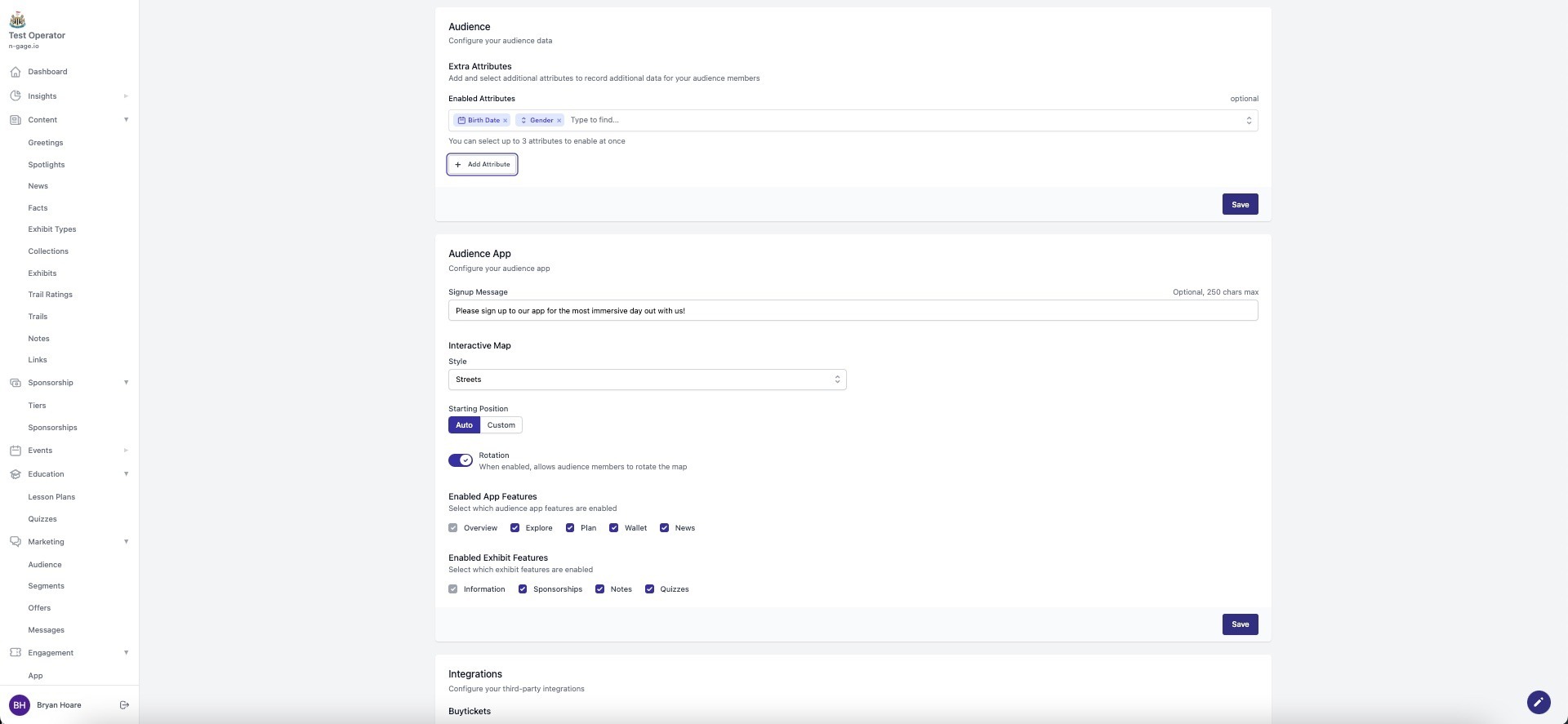
- Operators have the ability to capture additional app user attributes as part of the sign-up process. These attributes can be used to capture further data about an app user.
- The software permits up to three attributes to be enabled at any one time as part of the sign-up process. An unlimited number of attributes can be created and added to the system to give operators the ability to vary the data they wish to collect.
There are four basic types of attributes to choose from as follows:
- Yes/No choice
- Date (Add date parameters)
- Select (range of options)
- Text (Enter text)
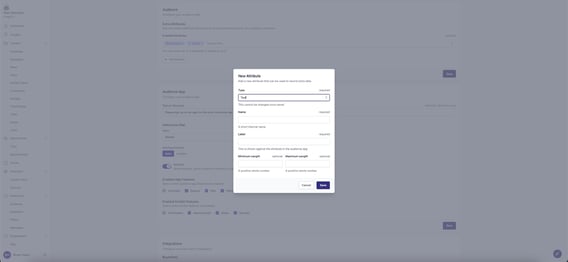
- To add a new attribute, select the basic attribute type and provide a short internal name.
- Add a label to the attribute to be displayed in-app i.e for a Yes/No attribute it could be “Are you an Annual Member?”
- Depending upon the type of basic attributed selected, additional information may be required in the additional fields i.e. for a “Select” attribute you will be required to add the ‘options’ to select by the app user.
- Once the chosen attribute has been created, it will appear in the drop down list for future selection in the system and, when chosen, will be added to the sign up screen for completion by the app user.