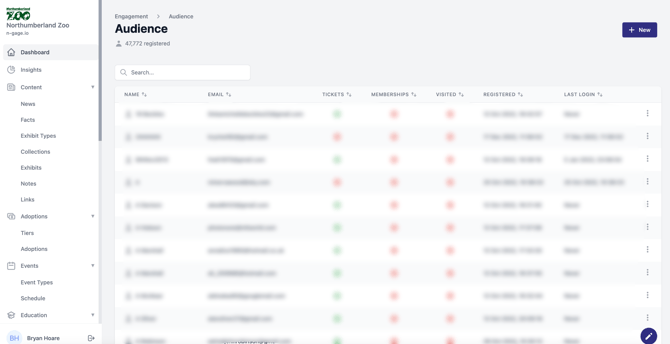
View detailed user profiles including visits, tickets, events, spend, and vouchers. Use this information for personalised marketing.
- The audience section displays
all audience members who are associated with the operator platform and mobile app. Audience members consist of
all app users and any other user data associated with third party integrations such as audience ticket purchases. - Information provided includes name, email address and additional information on ticket and membership purchases, visits on site and app installations.
- It is also possible to manually add a new audience member by providing their name and email address with an indication if the account has been claimed.
- The audience activity module provides operators with a detailed list of information on individual audience members. You access this screen by clicking on the view option for any individual audience member.
- The summary module provides an overview of the basic information presented throughout the page. This includes but is not limited to number of visits, tickets held, memberships, sponsorships, activations, events attended
and total spend. Additional detail can be accessed lower down the page for each key area of audience activity. You can also view specific linked activity such as individual vouchers etc.