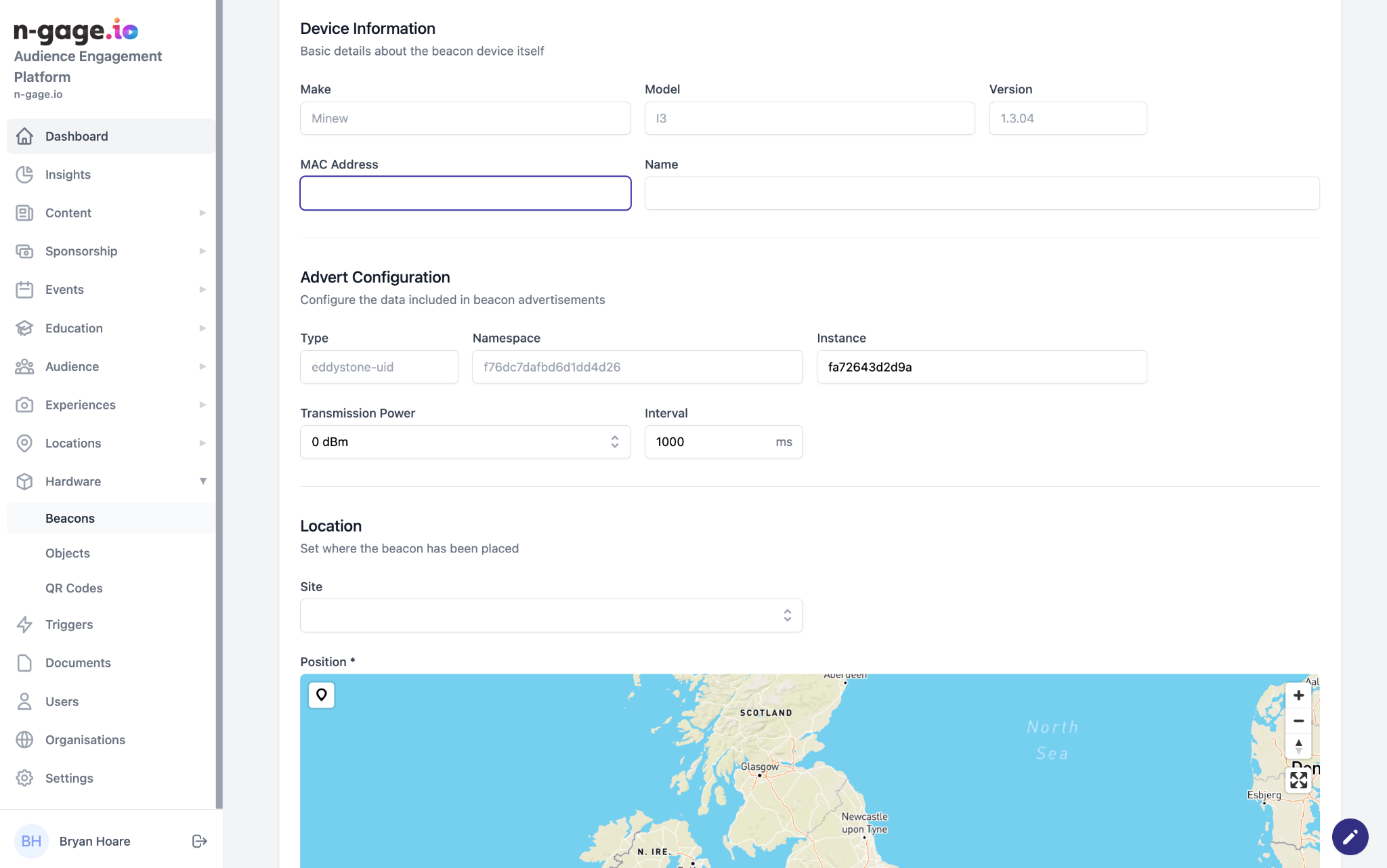
Add Bluetooth beacons by MAC address and map position. Configure adverts, battery, and status. Beacons track visitor dwell times and enable triggers.
Bluetooth beacons are inexpensive, yet powerful hardware devices that can help to transform how operators monitor and measure audience behaviour on-site as well as providing a more interactive experience.
Low energy Bluetooth beacons communicate with smartphone Bluetooth connectivity (where permission is granted upon app install) to send signals between the beacon, the mobile device and the n-gage.io operator platform.
Beacons can be installed indoors or outdoors and have signal capability up to 200m with a battery life of up to three years. Speak to the n-gage.io team about how beacons can transform audience engagement.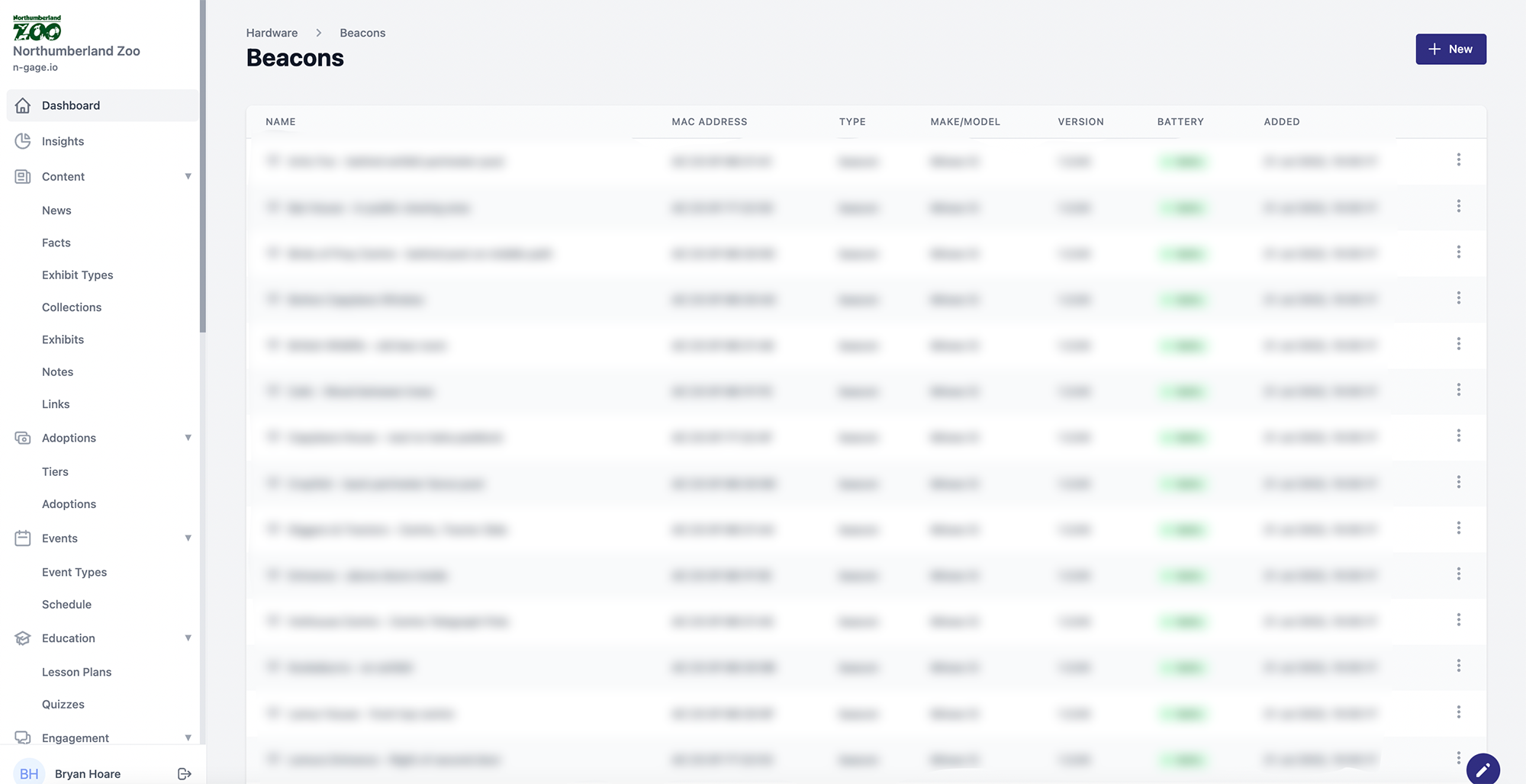
If Bluetooth beacons are installed on-site, they can be configured in this part of the hardware section.
The process of adding a new beacon is as follows:
- Turn on beacon
- Hit "New" on the beacon list
- Fill in the MAC address and give the beacon a name
- Apply the suggested configuration to the beacon (shown in the Advert Config section)
- Choose a site and mark the beacons geographic position
- Set the battery level (usually 100% for new beacons)
- Mark the beacon as enabled/disabled
- Save