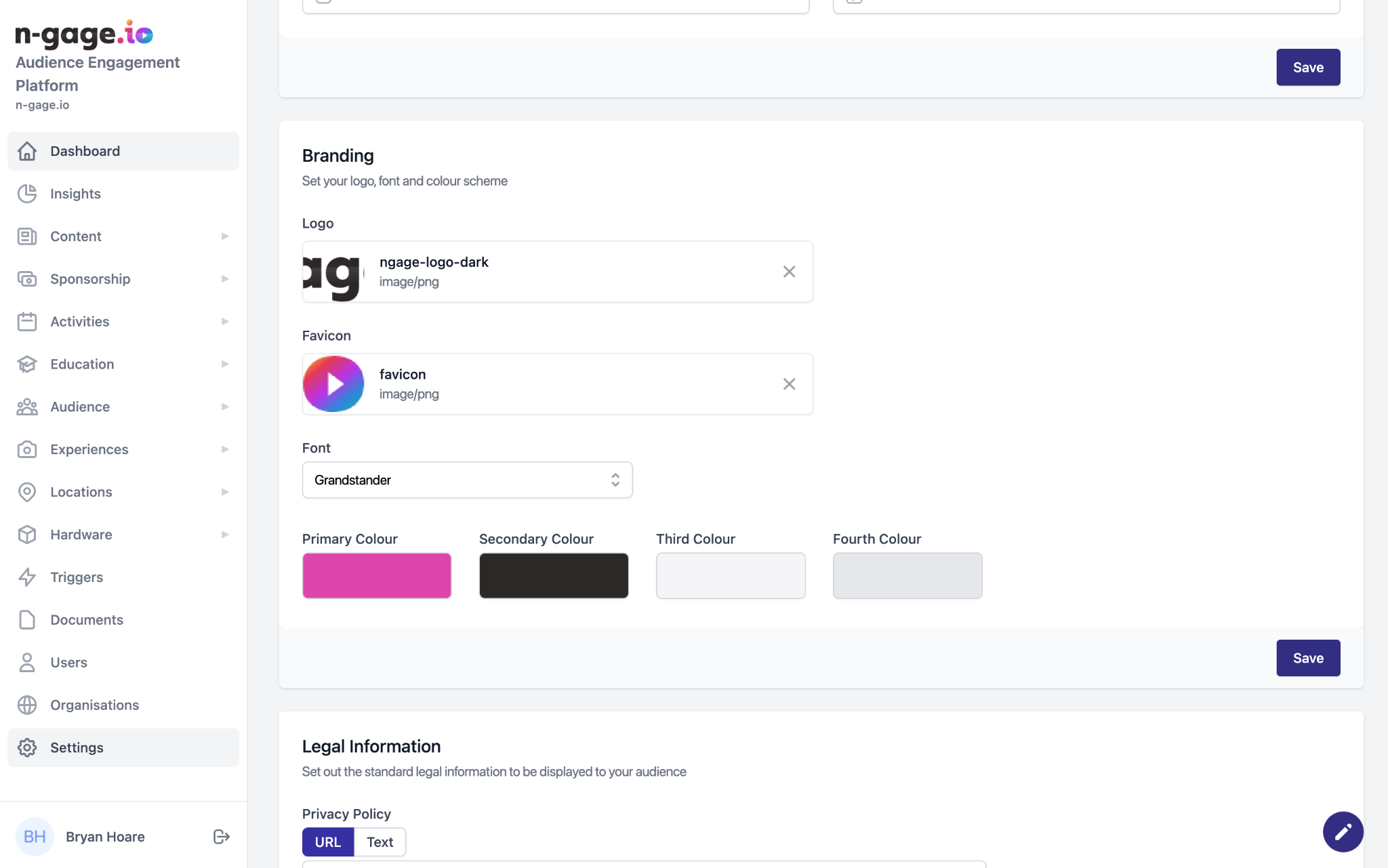
Upload your logo and favicon, and choose colours and fonts to align the operator platform with your brand. App branding is handled by the n-gage.io support team during onboarding.
- Use the branding section to customise the look of the operator platform. Choose a logo to appear at the top left of the platform.
- Add a favicon logo
to appear in the window tab when viewing the operator platform through an internet browser such as Google Chrome or Safari. - Select from a standard font style and choose brand colours for the operator platform.
- App branding is uploaded by the n-gage.io support team as part of the theme onboarding process.