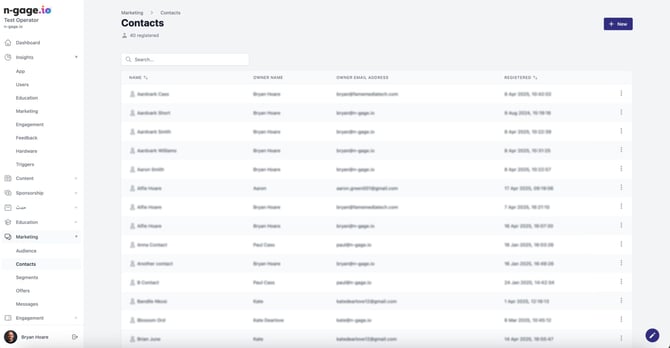
Add non-email contacts (e.g. children on memberships). Associate them with main audience accounts. Useful for family or group memberships.
- Contacts can be added into the operator platform to cater for named individuals who don’t have a user account or email address. Contacts have to be associated to a least one audience member. You can also add a profile image for a contact. Contacts can also be added directly via an audience member record when using the ‘view’ option and scrolling down to the contacts section.
- Contacts are mainly used to identify other individuals on a membership i.e. children or grandparents where they do not have a user account. Contact names appear on the detail of the membership card with their photos if added.