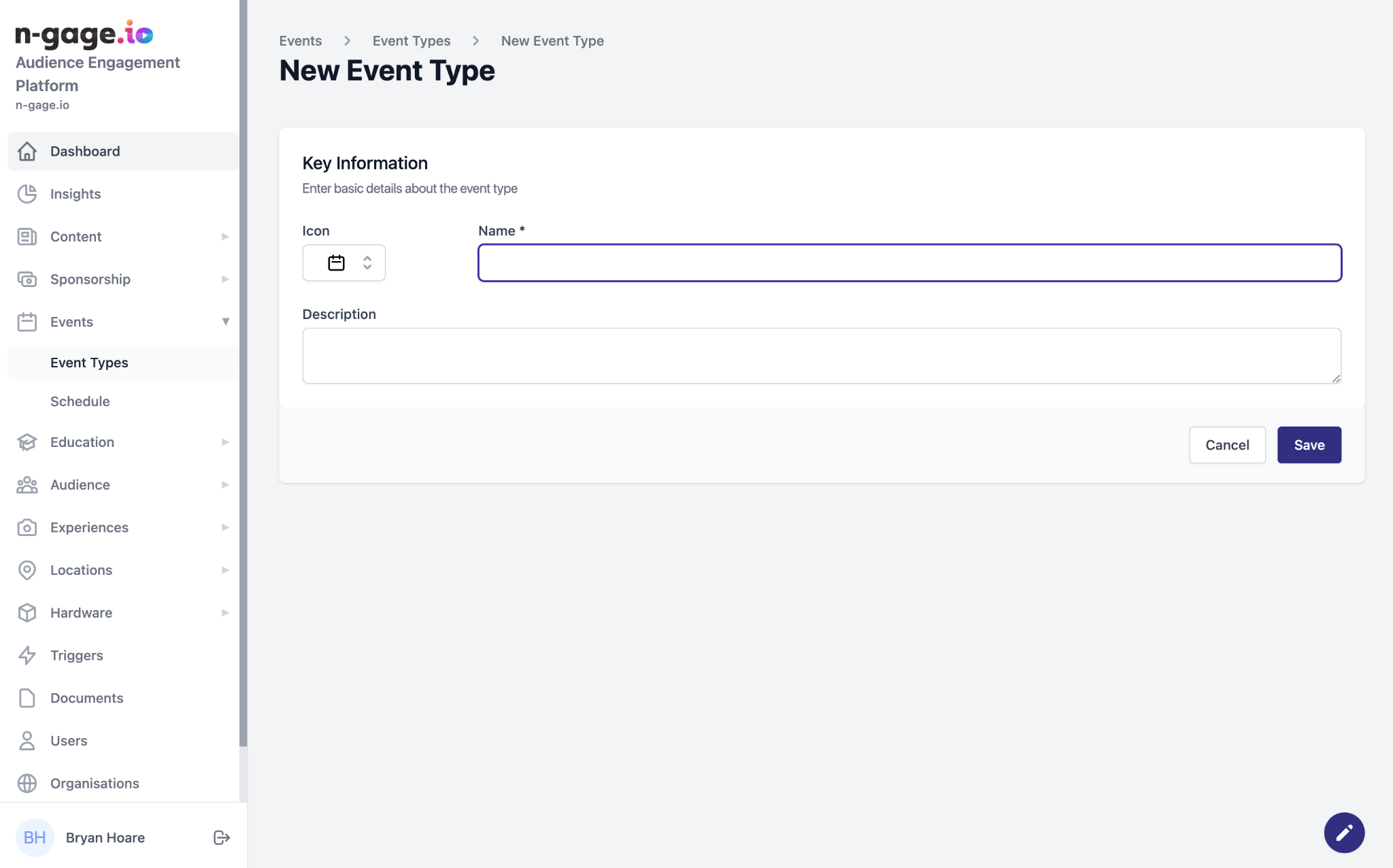
Create categories for events (e.g. Talks, Shows). Add icon, name, and description. This helps visitors filter events easily.
- Event types help to filter and separate events for both operators and audience members.
- An event type represents a specific category of event such as lectures, keeper talks or animal displays for example.
- To create an event type, choose an appropriate icon to be displayed in-app and give the event type a name and a short description.
- The event type will be used when adding an event to the schedule.