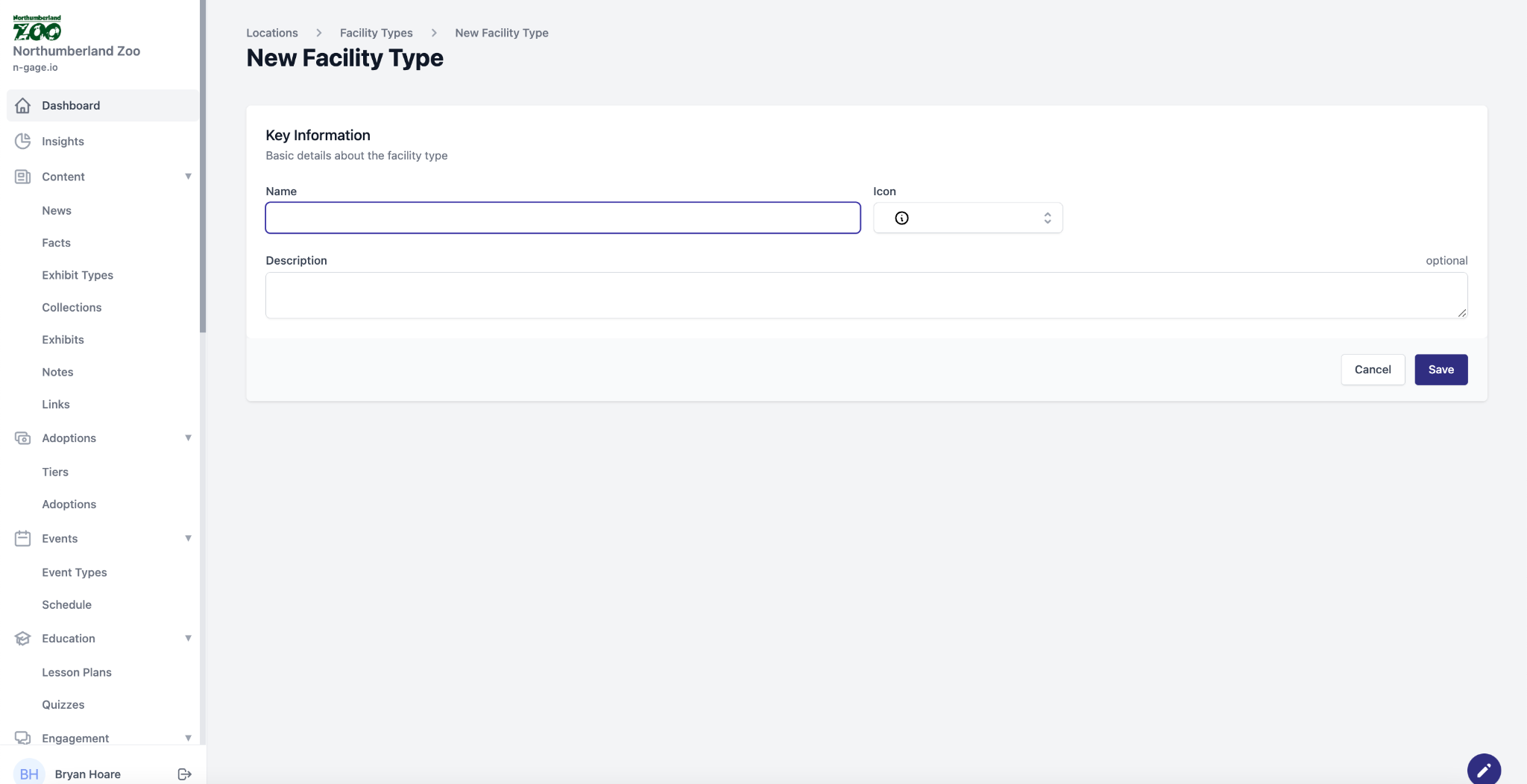
Create facility categories (e.g. Toilets, Food). Assign an icon for app display. Visitors can filter maps by facility type, making navigation easy.
- Facility Types help to group facilities into common categories allowing them to be filtered and searched for in the audience app i.e. food outlets, washrooms etc. All facilities must be attached to a facility type.
- When using the interactive map search, audiences can search by facility type to make navigation easier. i.e display all the food outlets.
- Choose an icon to best reflect the facility type. This icon is displayed within the facility pin on the overview map of the audience app for ease of reference.