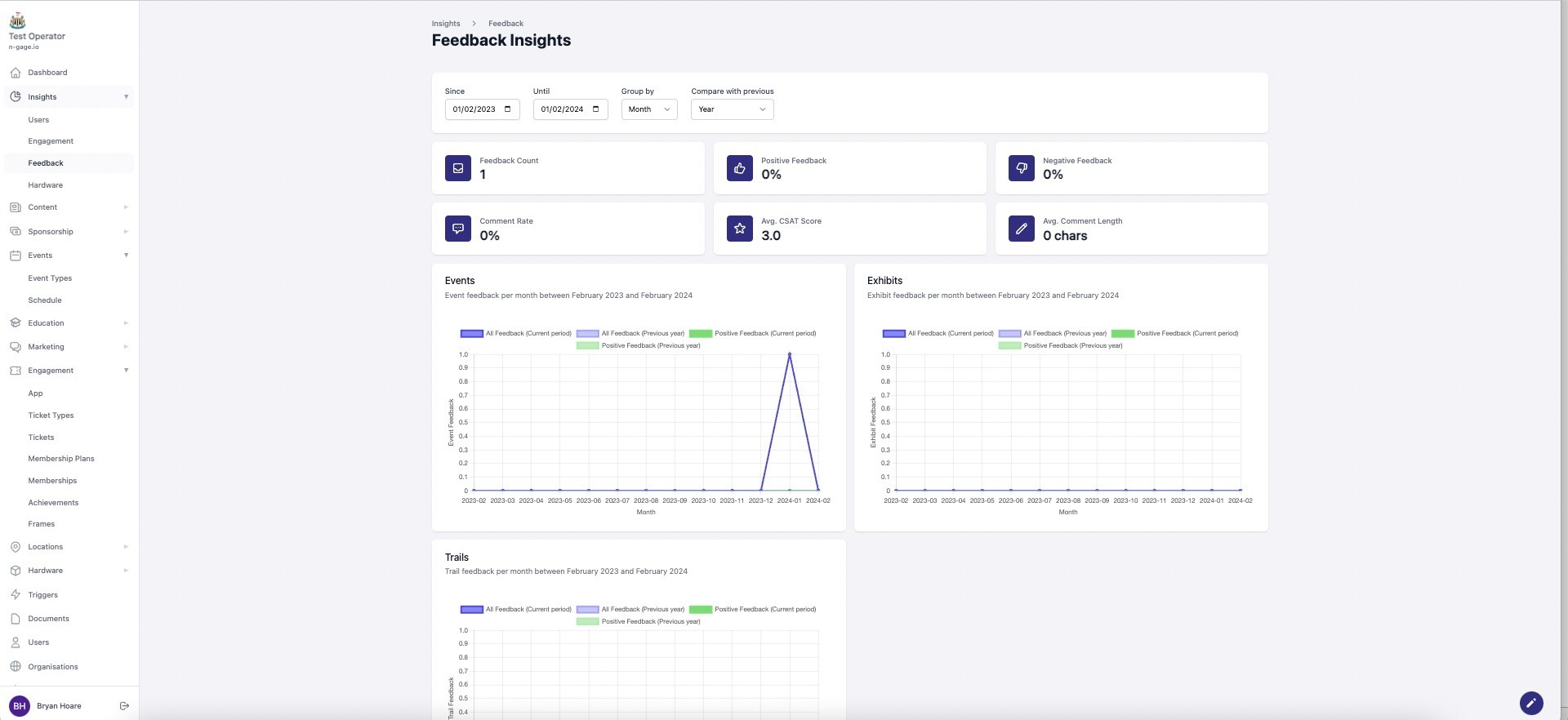
Review thumbs up/down or star ratings with comments. Use filters to compare feedback over time.
- The feedback screen provides information in relation to feedback scores received from app users.
- Feedback ratings consist of either a simple thumbs up/down on content such as exhibits, or five star ratings with comments for features such as events and trails completed.
- Feedback insights can be analysed and compared using the time and date filters at the top of the screen. This helps to measure feedback scores over time and make comparisons against other time periods. Feedback summaries can also be found when viewing individual items of content.