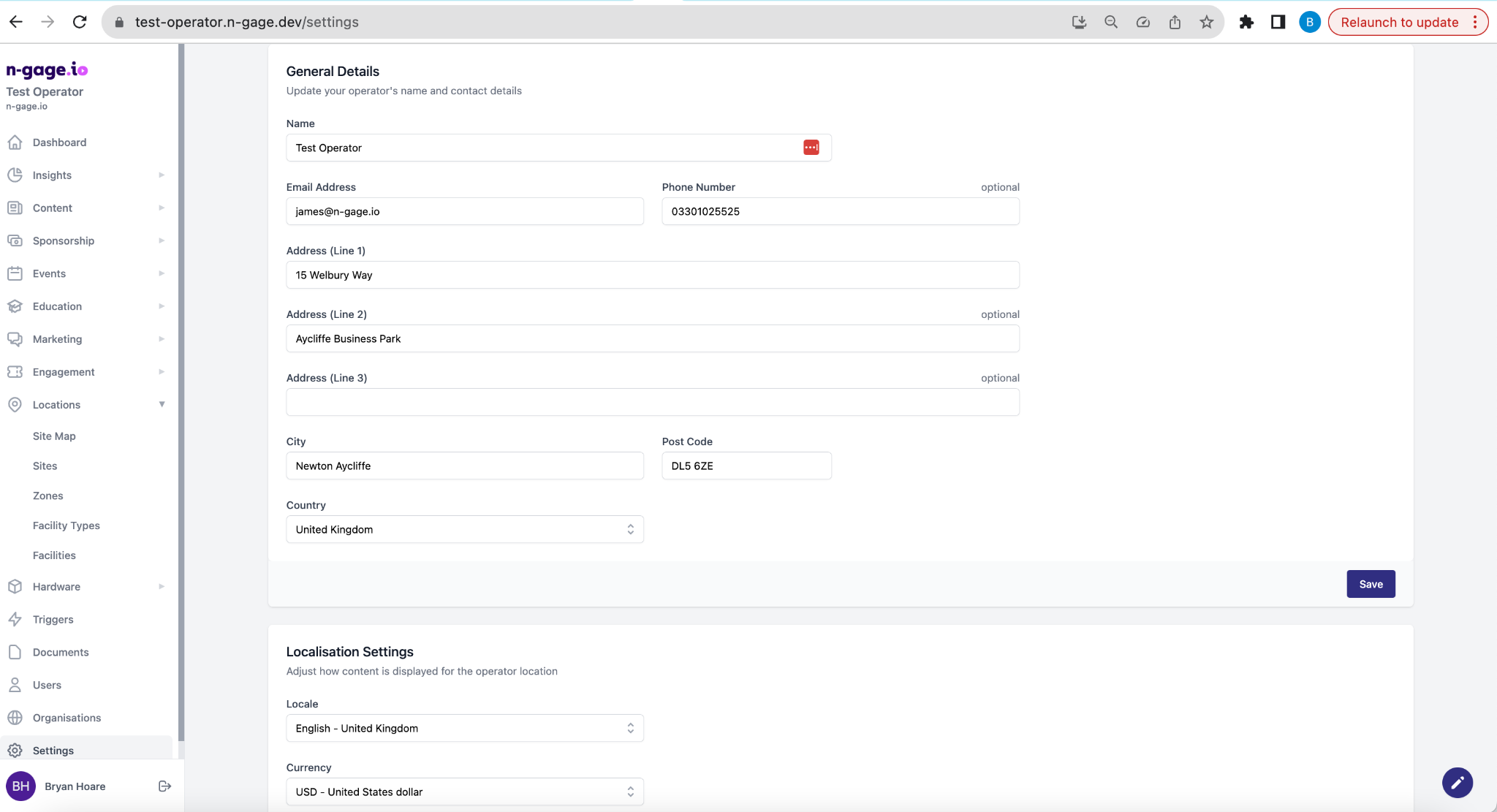
Enter your organisation’s address, contact info, and visitor details. These appear in-app and in emails. Also set localisation options like currency and units. Accurate setup here ensures your app users and staff see correct, trustworthy information.
- Insert and edit general business information for the attraction operator.
- Business information includes attraction address and contact details.
- In-app visitor information about the attraction is added under Sites.
- Choose the appropriate localisation settings based on your primary location including locale, currency information and length units.