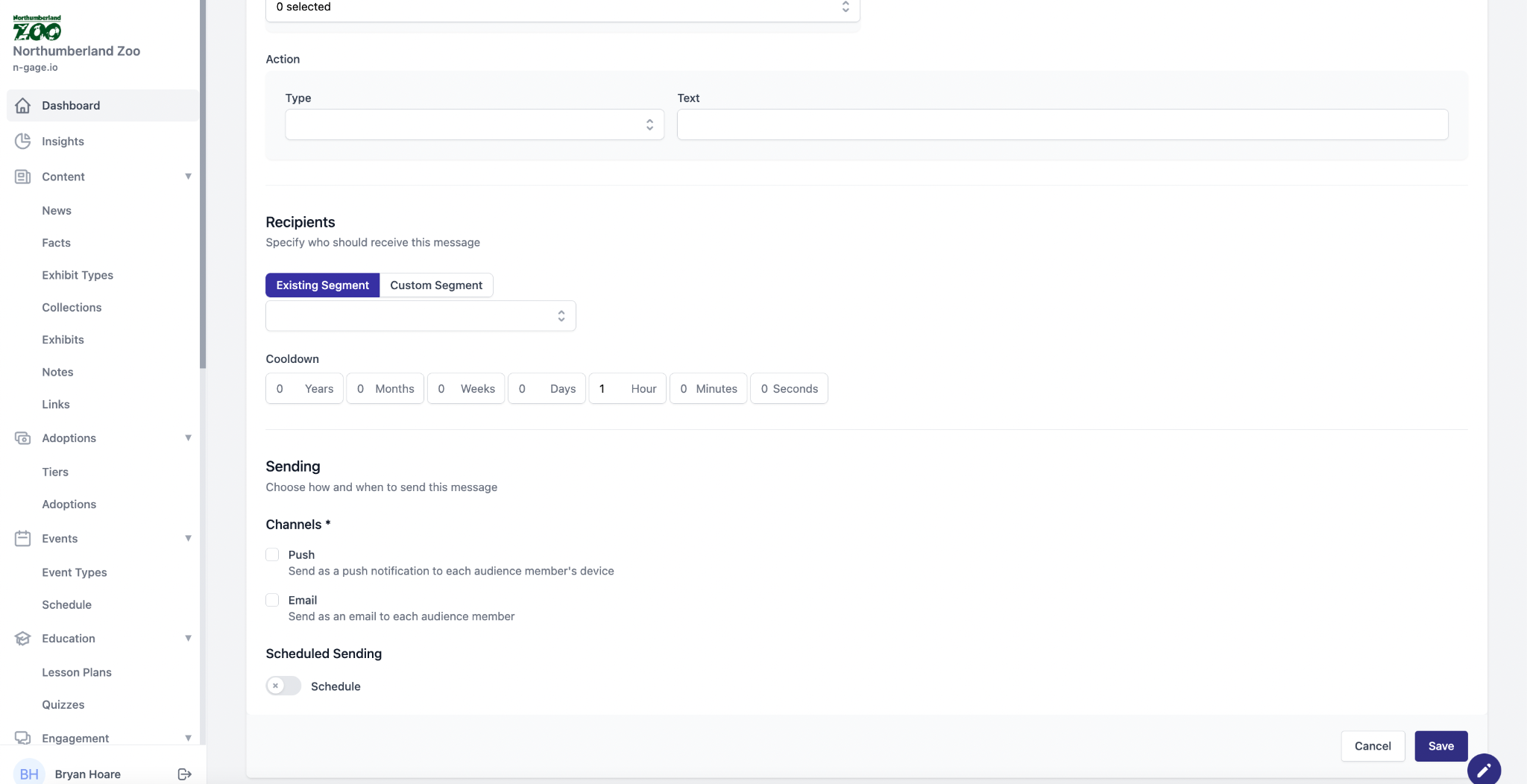
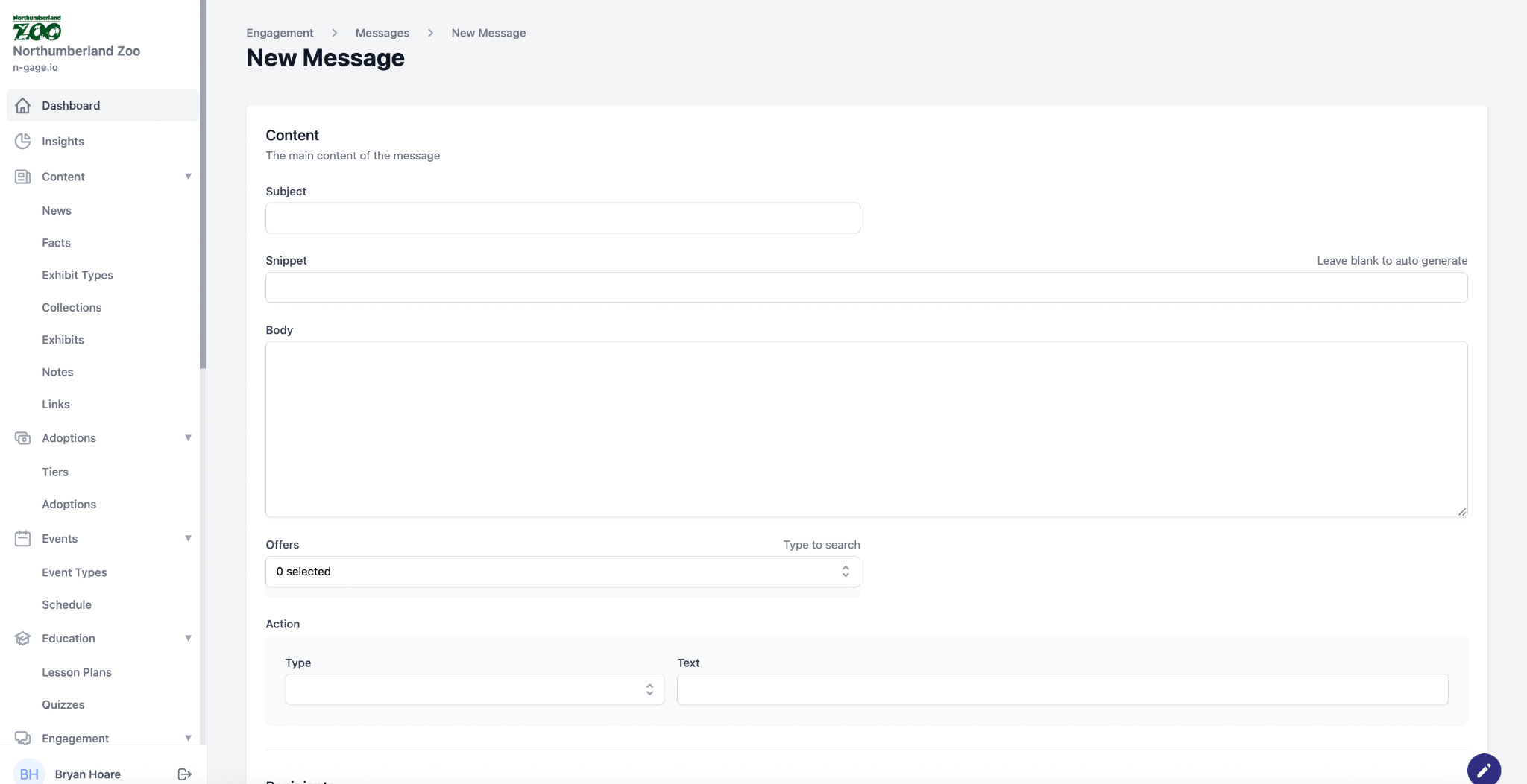
Send push/email notifications to users. Add subject, snippet, and body. Choose target segment, schedule time, and attach offers. Use cooldowns to avoid repetition.
- The messaging function provides operators with a highly customisable and targeted method of communication making use of in-app push notifications and email marketing.
- To create a message, add a subject and a message snippet - the snippet will appear in the push notification text so keep it short. Add body copy and choose a previously created offer to attach to the message.
- Choose an action for the app to perform when an audience member interacts with the push notification on their device. Actions include directing the audience member to a specific part of the mobile app.
- Specify who should receive the message by either selecting an existing audience segment or creating a custom segment using the same segmentation criteria as seen previously.
- Messages can be given a cooldown period which helps to prevent audience members receiving the same message repeatedly if they continue to fit the chosen audience segment. This is a particularly useful function when combined with the trigger feature to enable only the targeting of additional new audience members with a repeating message. Choose how and when to send the message with options for push notification, email or both.
- Schedule when to send the message and any repeat cycle.