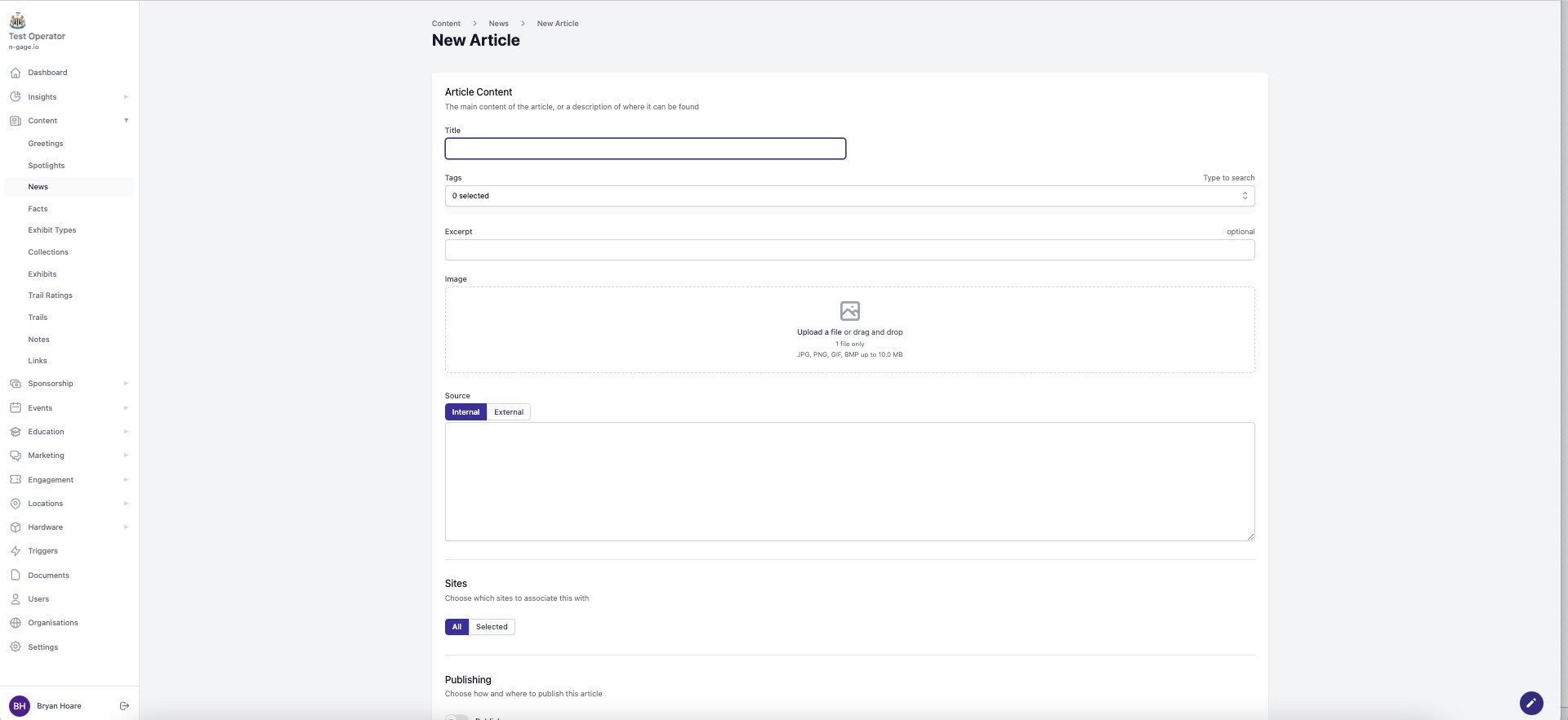
Publish articles with title, image, and teaser. Use tags for filtering. Feature important news so it is prioritised in-app. Articles can link to external sites or be displayed across multiple locations.
- Create and edit news articles in the operator platform web app or choose an external URL link.
- When creating a news article add a title, image and an excerpt as an article teaser. Tags can also be created and applied to news articles which can be filtered in the audience app.
- Choose when to publish the news article and whether it should hold ‘featured’ status. A featured news article will always be given priority over standard news articles in the audience app.
- News can also be selected to appear across multiple sites as appropriate.