Post quick updates linked to exhibits or facilities. Mark as Important to send instantly as notifications. Useful for operational updates like cancellations or closures.
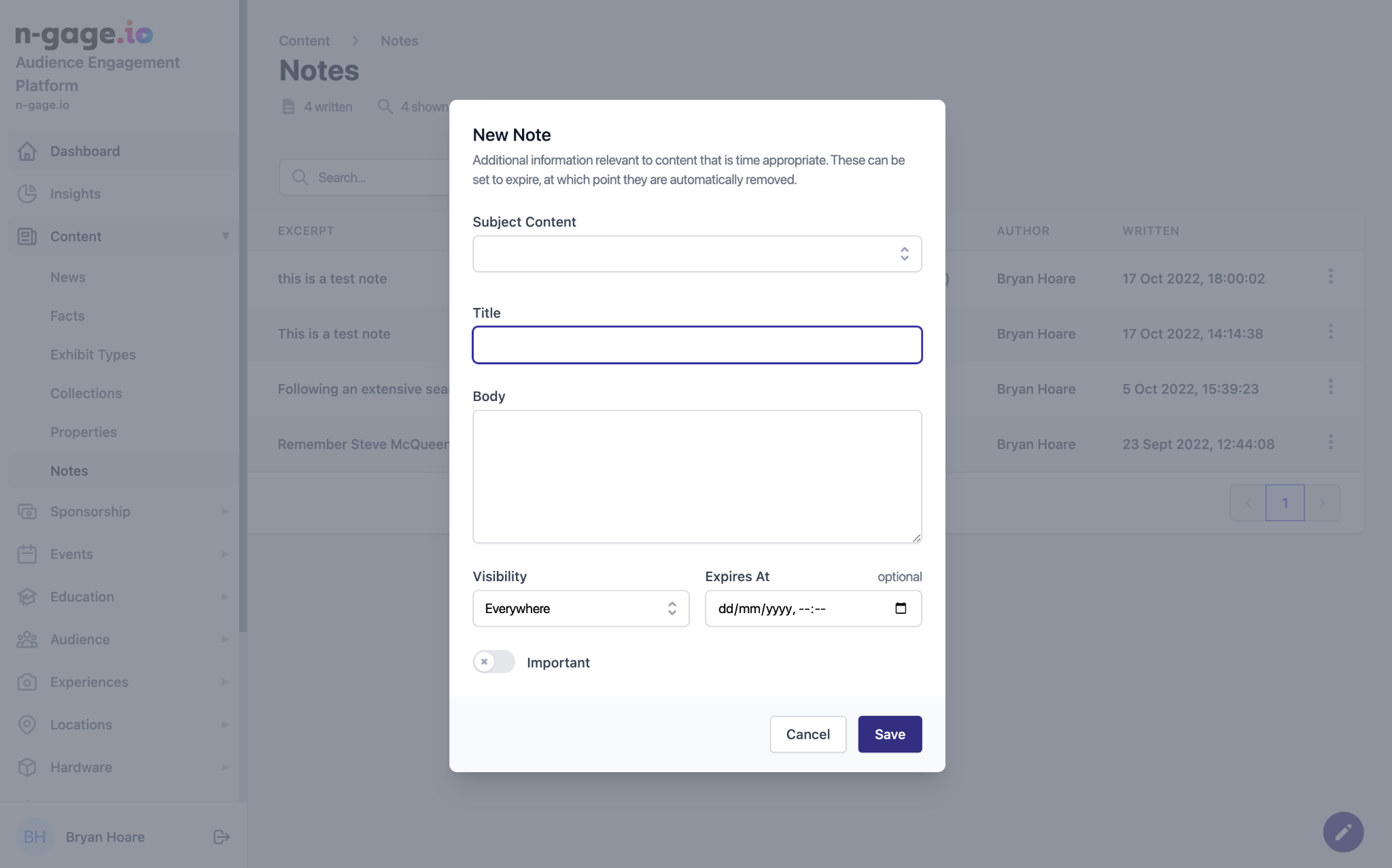
- A Note can be created from anywhere within the platform using the pencil icon in the bottom right of the screen. Notes can be assigned to any exhibit, exhibit element, or a facility.
- To create a new Note, select the subject from the drop down list, add body copy, and choose the visibility of the note and add an optional expiry date. Turning on the ‘Important’ toggle button will send the note immediately to all app users.
Notes can be used by Keepers or Rangers in a Zoo setting for example to post live updates on exhibits. Notes can be viewed on the exhibit page in-app.