
Create offers such as discounts or vouchers. Add details, media, and terms. Offers appear in-app wallet with QR codes for redemption.
- Creating offers, when combined with messages and triggers, gives operators a powerful tool to create, personalise and send highly targeted offers and discounts to audience members. Once an offer has been created, you can also choose to manually distribute to an audience segment or group of individual app users without the need to attach to a message.
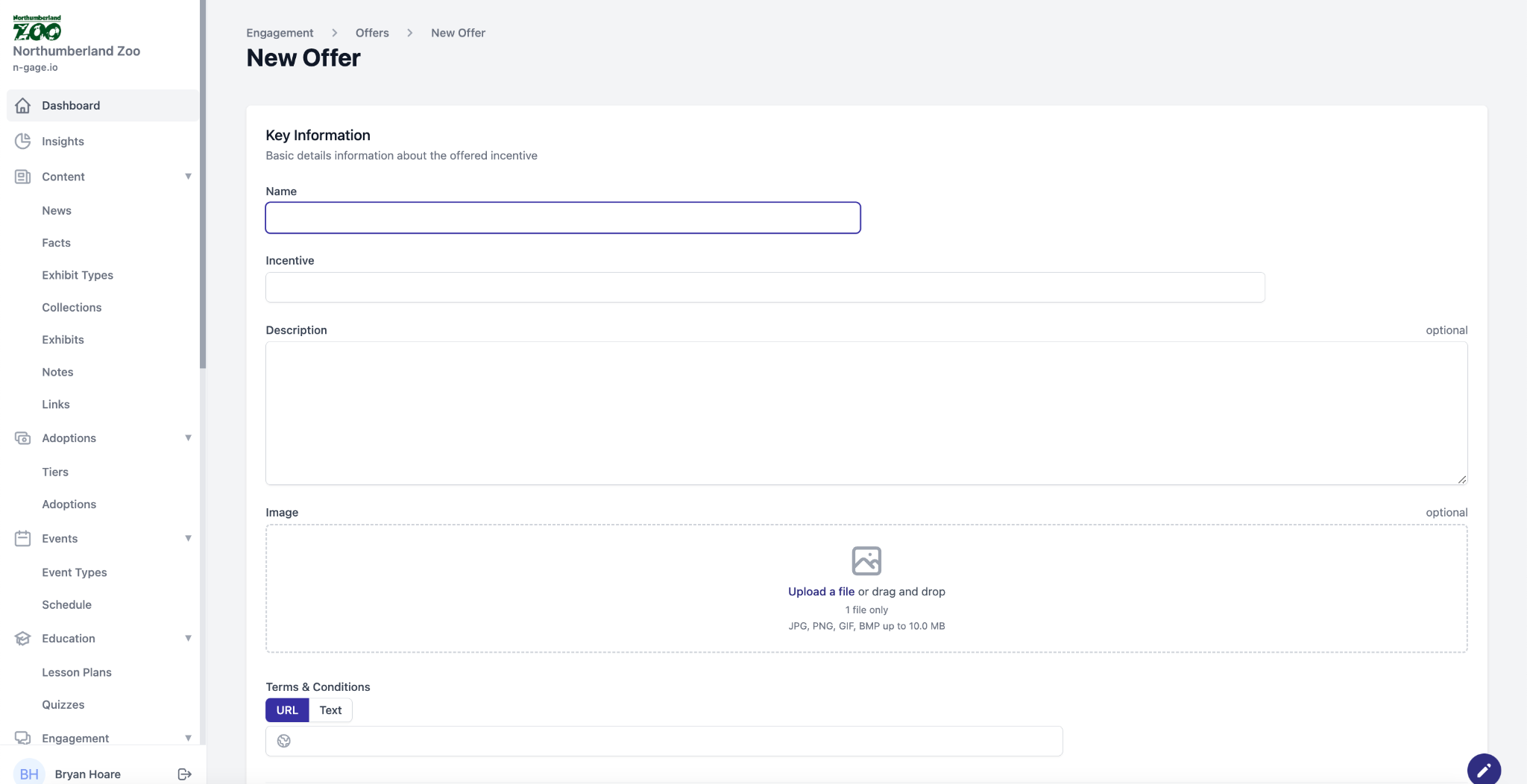
- To create an offer, add a name and an incentive i.e. 10% off in the gift shop. Add a description and upload a media file to represent the offer. Add terms and conditions either via a URL link or inputted text.
- All generated offers appear as vouchers in the wallet of the mobile app when combined alongside a message or trigger action.
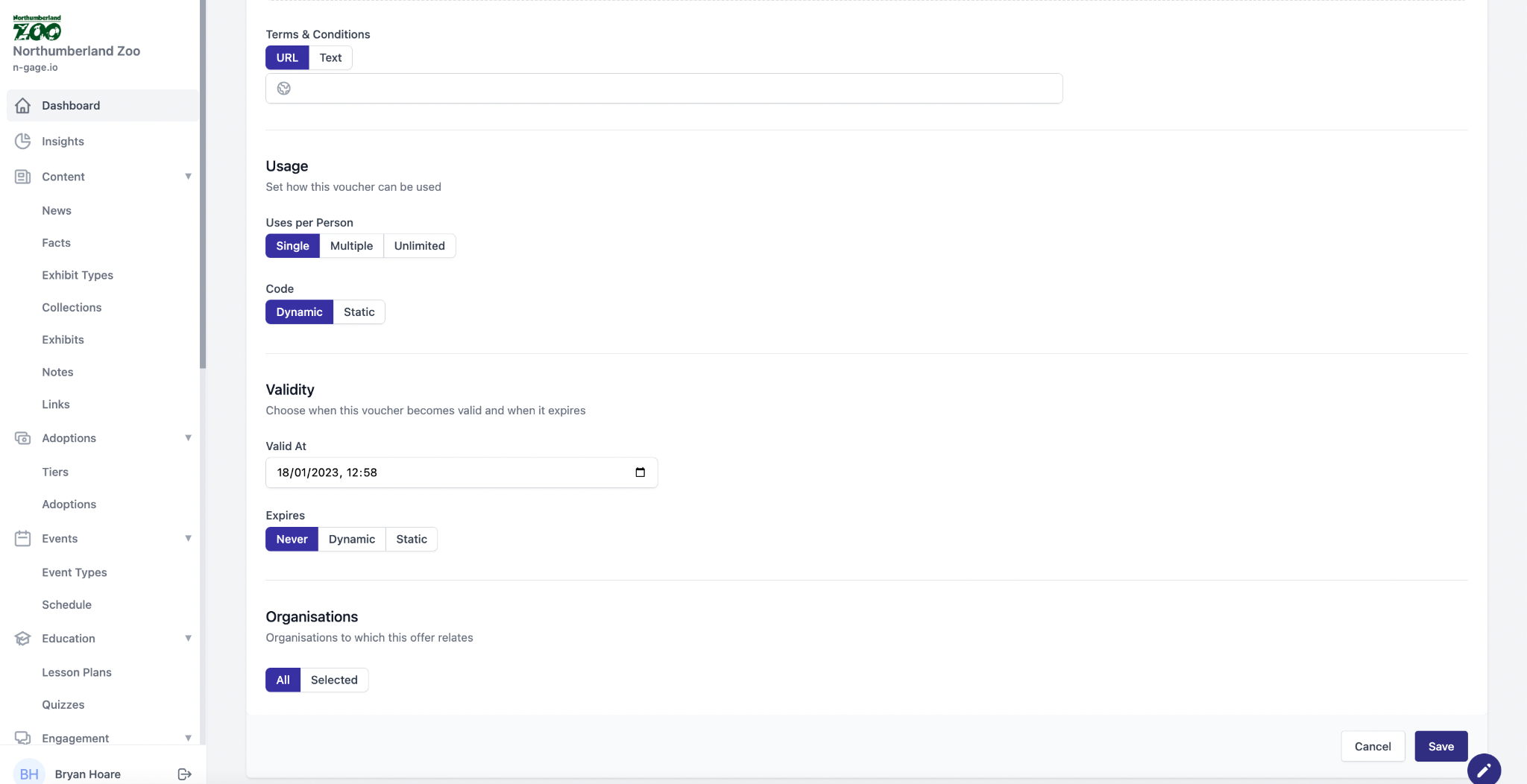
- Choose how the offer will be redeemed with options for single, multiple or unlimited use.
- Offers appear in-app in the form of vouchers with a QR code attached. This can either be set as a static code, added by the operator, or a dynamic code created by the operator platform.
- The offers validity can be set so that it will only become valid after a set date, with options
to also control its expiry. - Offers can also be attributed to organisations associated with the operator for third party marketing.