
Build your event calendar. Add name, type, time, repeat rules, description, and media. Publish/unpublish events to control visibility in the app.
- The Event Schedule is a dynamic calendar to create and store events taking place on-site. All added events are reflected in the plan your day section of the app.
- You can view the Schedule by day, week or month.
- To create a new event, choose the event type, provide a name, and select a start and end for the event or toggle to ‘all day’.
Select if the event is to repeat and also choose the event location from the drop down list. Additional event info can also be added including
a description and media file.
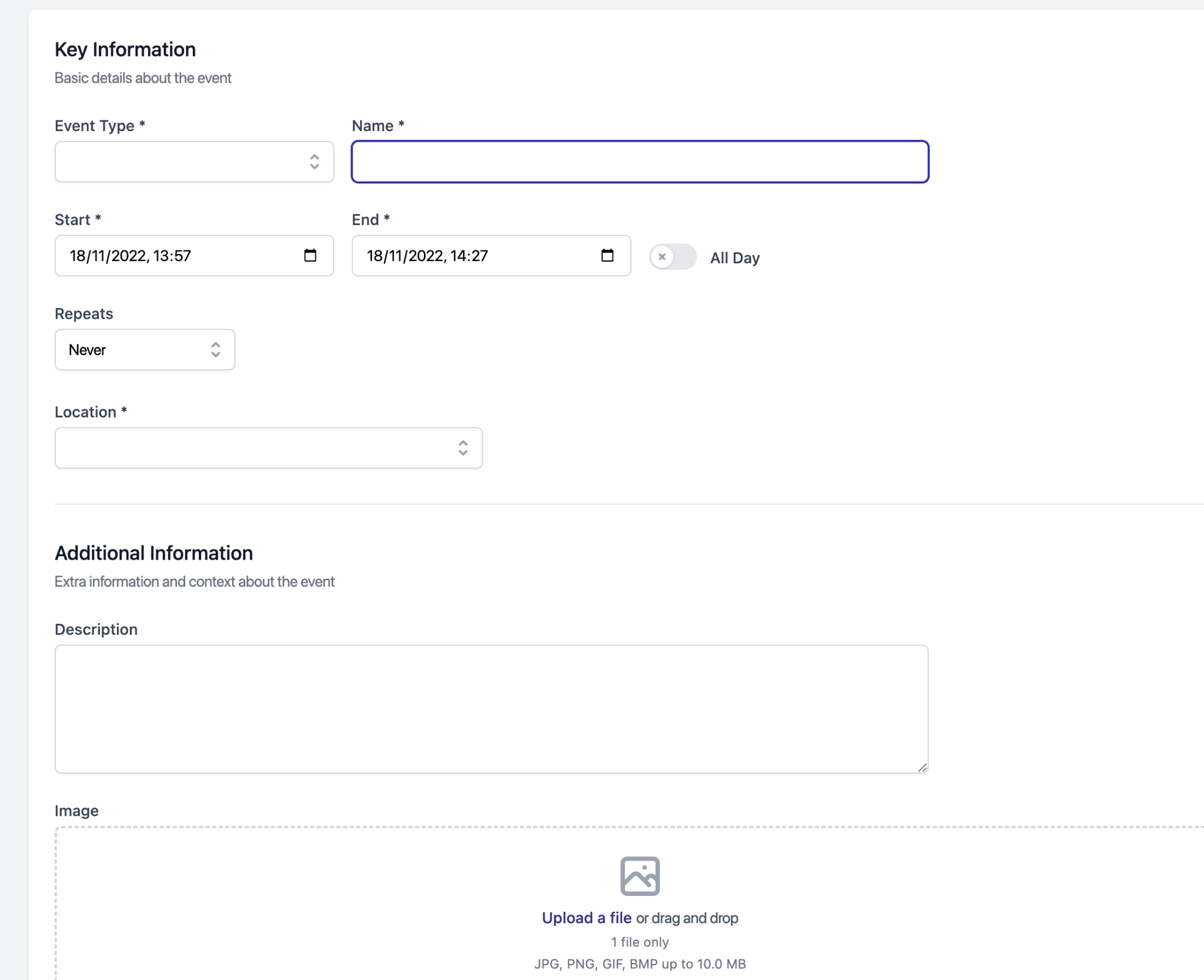
- Select if the event is to repeat and in what pattern it will repeat, such as every Friday or every 9th day of the month. As well as for how long the event will repeat.
- Operators have the ability to create external ‘places’ away from their site. These ‘places’ can be used as locations for events and even feature their own brief description. This allows for off site events to be shown in the mobile app.
- Events can either be published or unpublished, if they are unpublished they will be saved and visible in the schedule but not in the audience app.