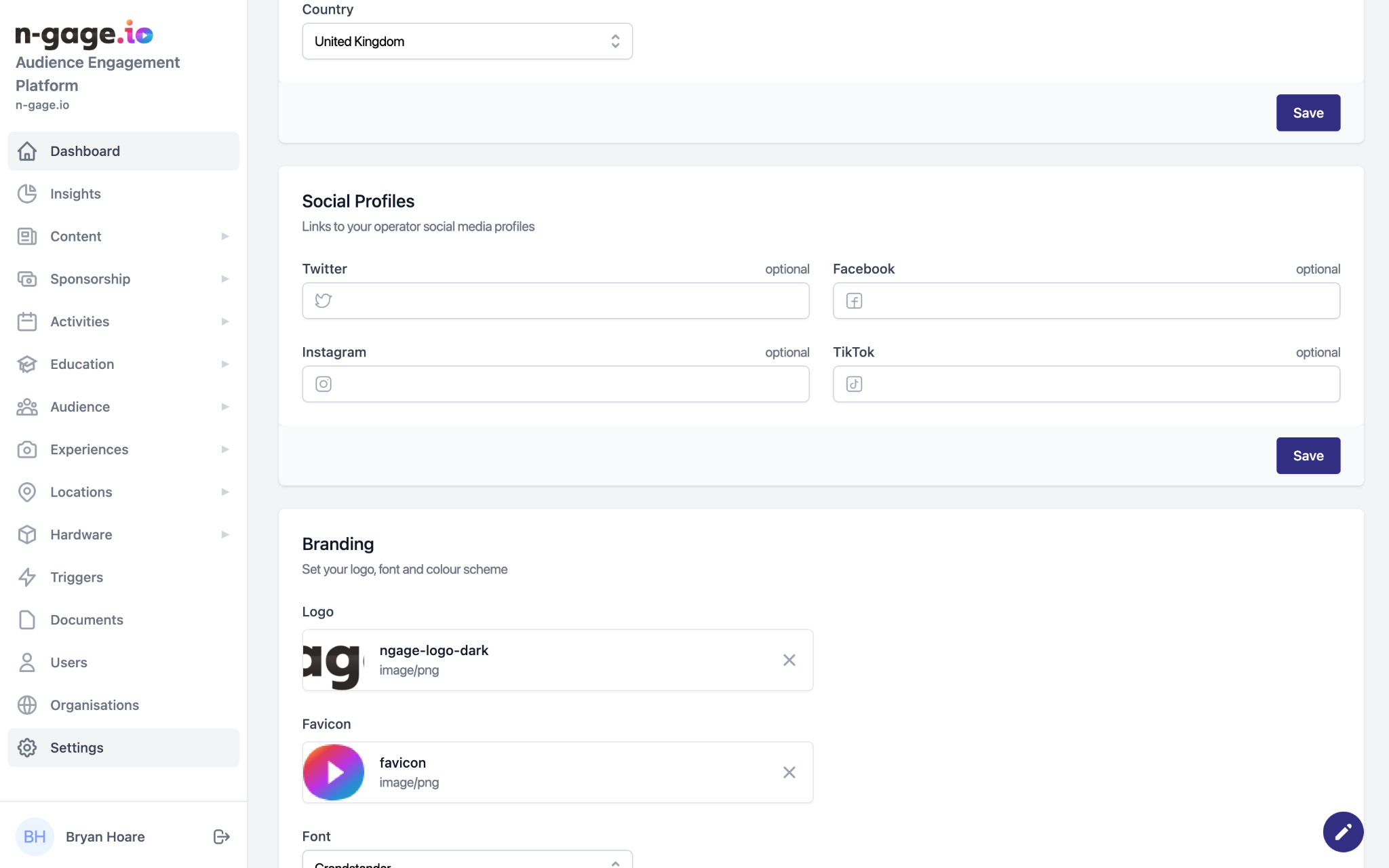
Add your social media links. These appear in email footers and across the app. Encourage users to follow your attraction online for stronger brand engagement.
- Social media profile links appear in the email template footer as part of the Messages functionality.
- Social media links can also be added across the app using the Links section.