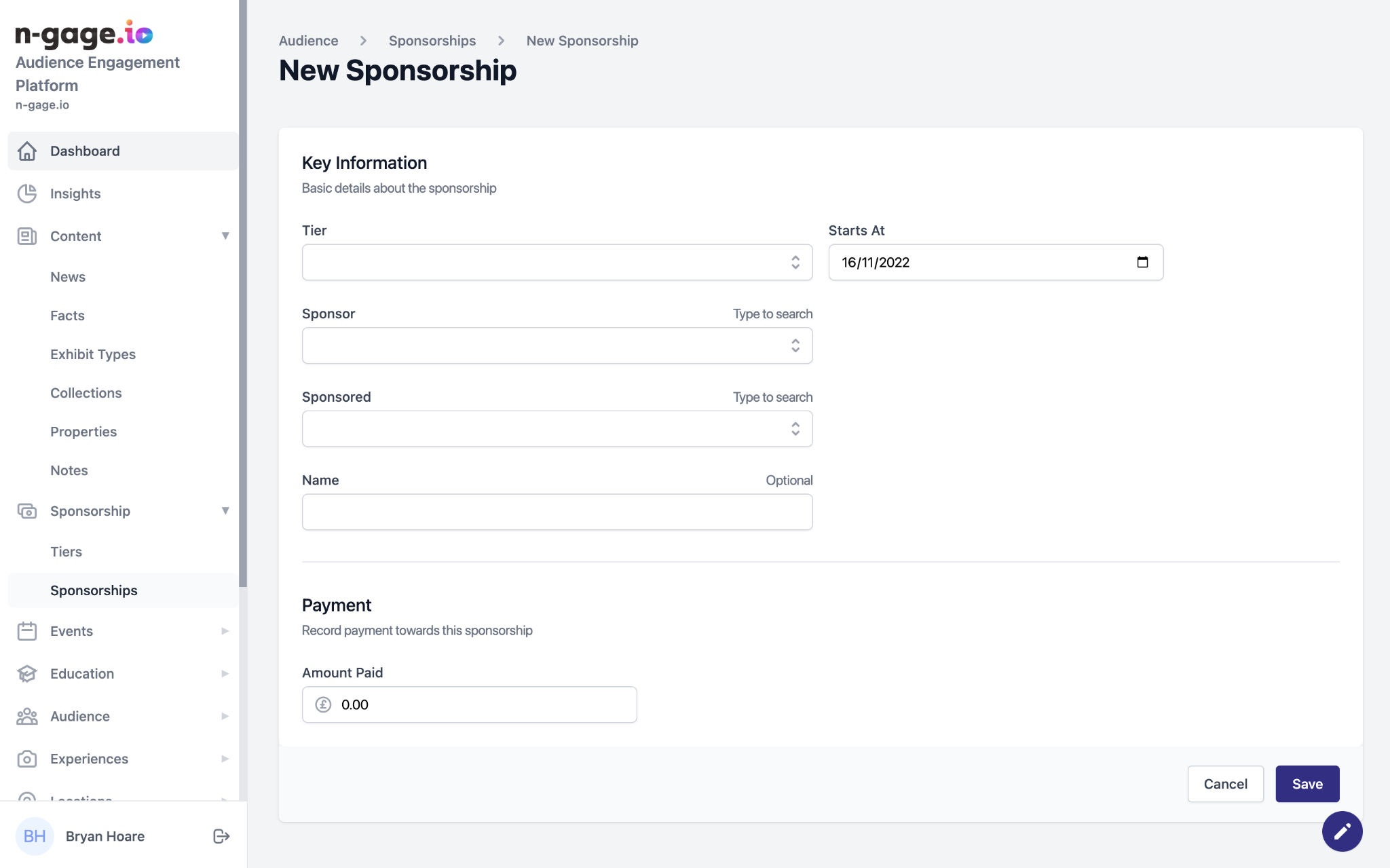
Assign sponsors to exhibits, facilities, or zones. Choose tier, start date, and sponsor details. Sponsors then appear in-app on the selected content.
- Once added, individual sponsorships appear in the audience app in a dedicated section of the selected exhibit or exhibit element. App users can search for a sponsorship and also filter by sponsorship tier.
- To create a new sponsor, select the sponsorship tier, choose a start date, select the sponsor from the drop down user list, and choose the exhibit, exhibit element, zone or facility being sponsored. The display name of the sponsor can also be added.
- Sponsorship information can also be added to be displayed in-app above
the list of sponsors, together with external URL links for more details. - Corporate sponsors can also be selected from the users list, as long as they’re created in the organisations section. Sponsors can also be attached to an entire site.