Design a prominent banner at the top of the app overview. Add text and an image, then link to app sections or external URLs. Only one spotlight can be active at a time, making it ideal for promotions or seasonal campaigns.
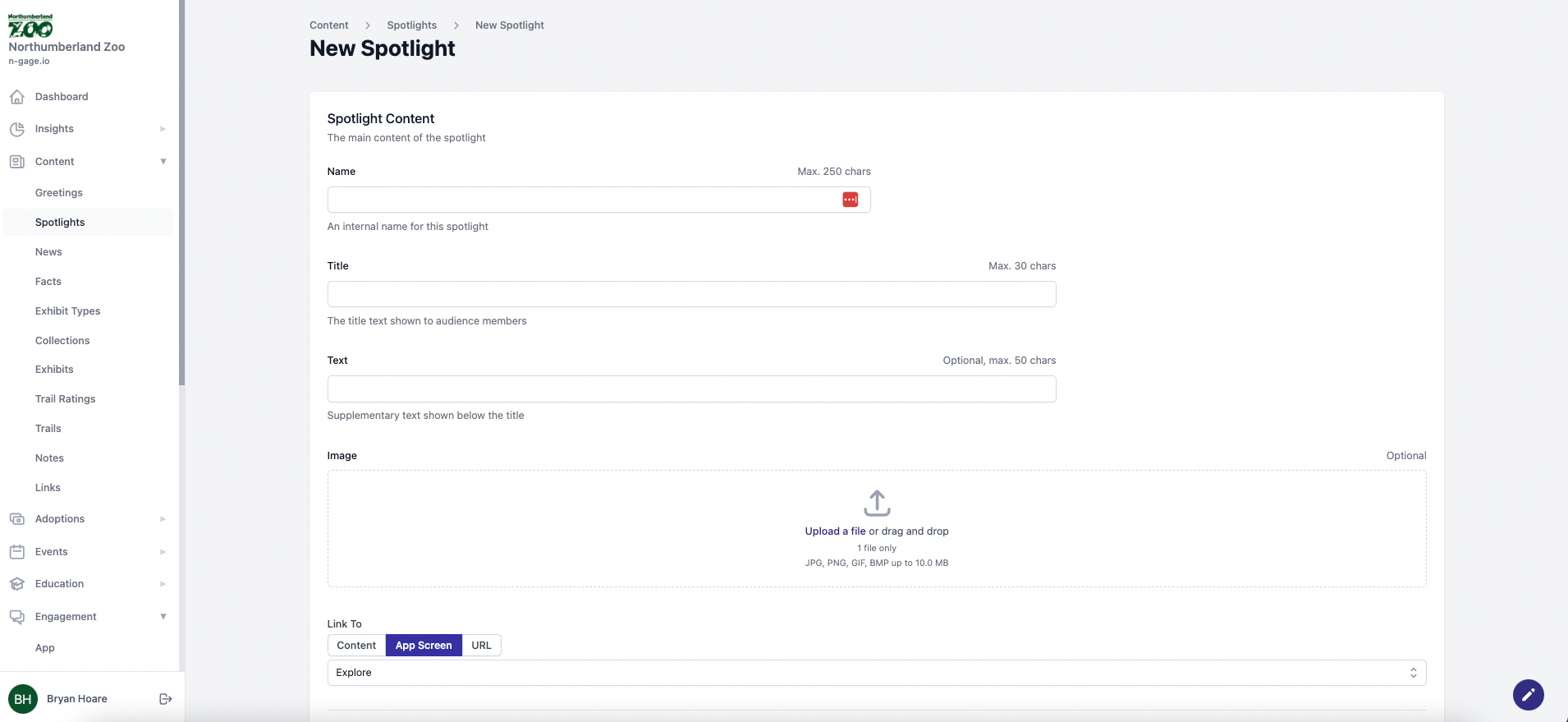
- Spotlights are a customisable welcome section taking prominent position at the top of the app overview screen. This area includes the auto included personalised welcome together with any additional spotlight text you wish to add. A media image can also be chosen to sit behind the spotlight area.
- The title and text in a spotlight are limited by character count. You can link the spotlight to activate any section of the app content when clicked including a quiz. You can also link to a particular app screen or external URL.
- Any number of spotlights can be created in the system but only one can be enabled at a time. Use this feature to promote specific content or activities. Spotlights can also be associated with one or more sites.