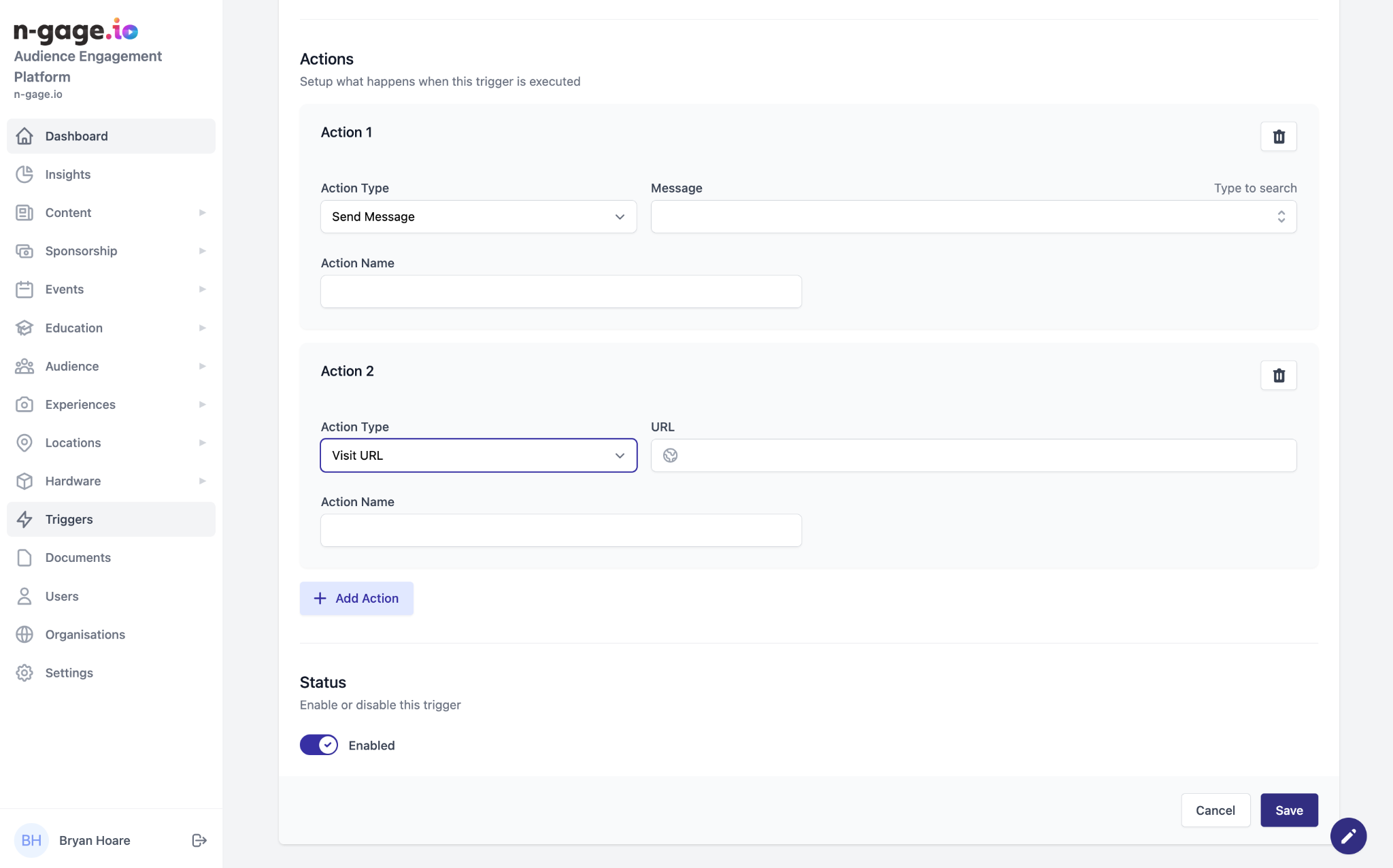
Decide what happens when triggered: redirect to URL, grant offer, send message, or show exhibit. Multiple actions can be combined for richer experiences.
Select and name an appropriate action. Currently available actions include:
Visit URL
Upon an audience member activating the trigger, they will be redirected to a URL provided by the operator.
Grant Offer
Once triggered by an audience member the selected offer(s) will be added to the audience mobile app wallet.
Send Message
When triggered, audience members will receive the selected message through either a push notification, email or both.
Show Exhibit
When activated, this action will redirect audience members
to a specific page in-app.
Multiple actions can also be created under one trigger, to send a message and also populate a voucher in the app wallet as an example.