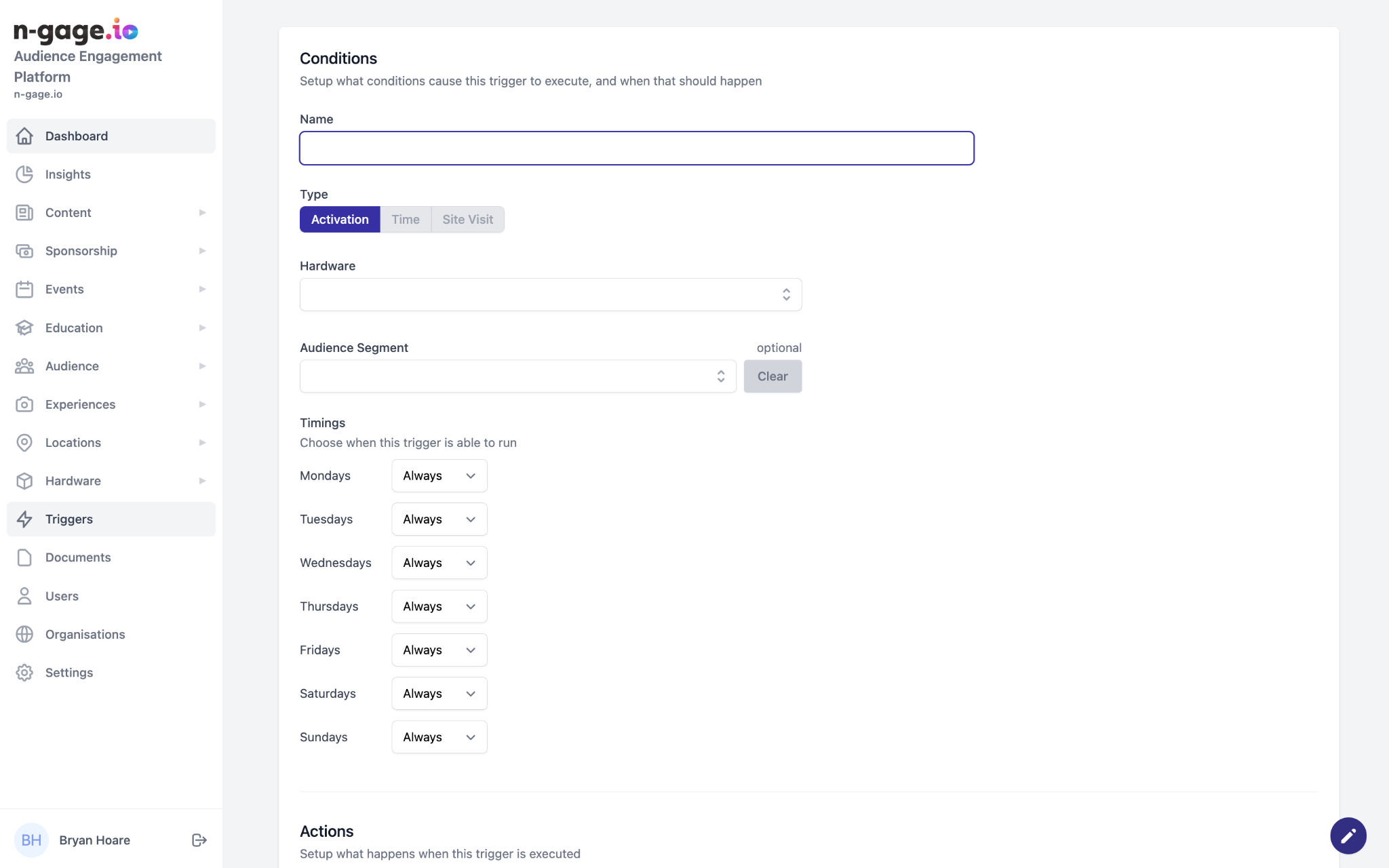
Create triggers linked to beacons or QR codes. Add name, choose hardware, assign audience, and schedule run times.
- Triggers provide operators with a powerful tool to aid audience engagement. Triggers can be activated by Bluetooth beacons or QR codes.
- To create a trigger, provide a descriptive name and choose the trigger type - currently only activation triggers are available in the operator platform. Select the trigger hardware from the list and choose an optional audience segment.
- Select when the trigger should run and choose times as appropriate.