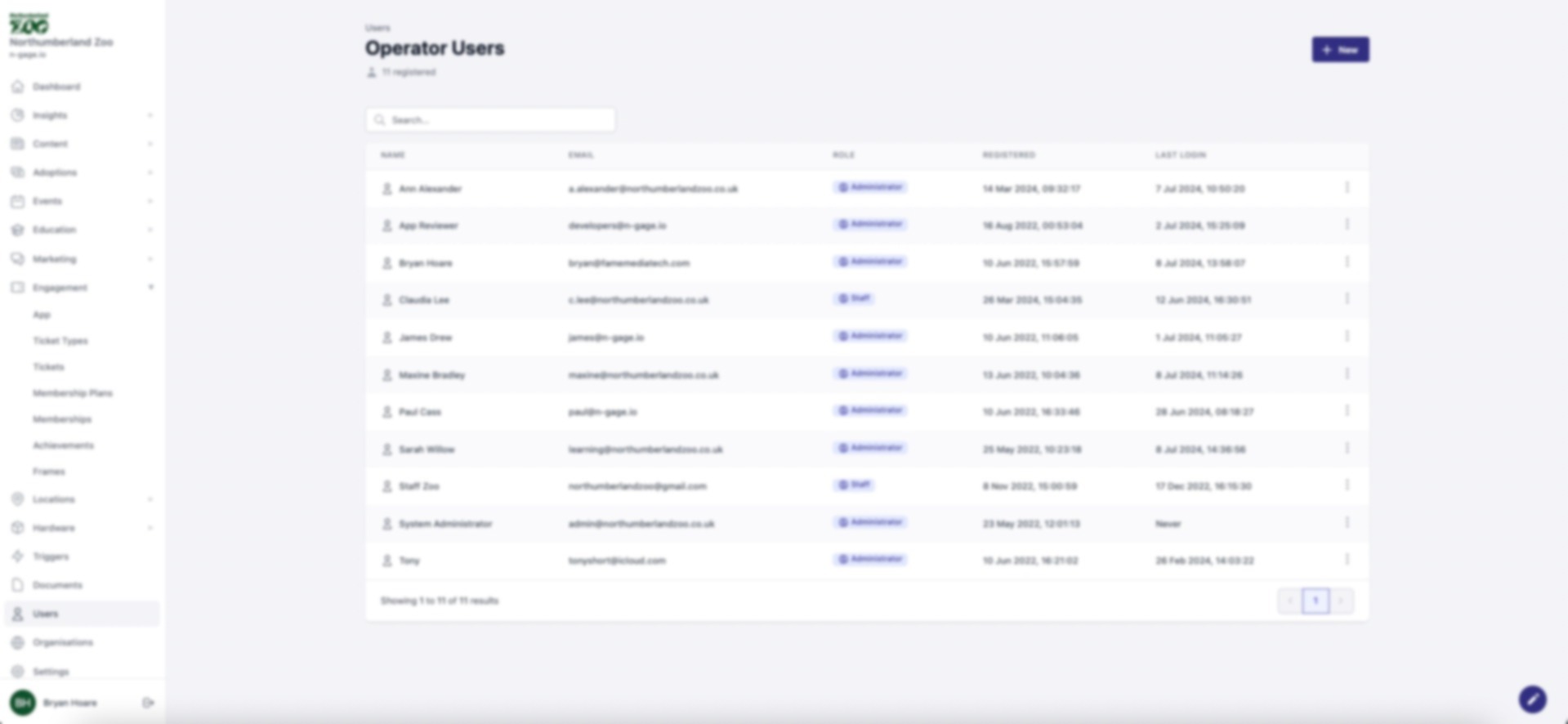
View and edit user accounts. Admins can change roles, reset passwords, or delete accounts. Always remove ex-staff promptly to maintain security.
- Through the ‘Users’ tab, users can view other existing users and their account details.
- Administrators can edit the account information of all users including changing roles and updating passwords.
Administrators also have the option to delete existing users from the operator platform web app.